One scan. All about you.
Bring your contact details, links and useful information together on a personal or business page. Update it whenever things change.
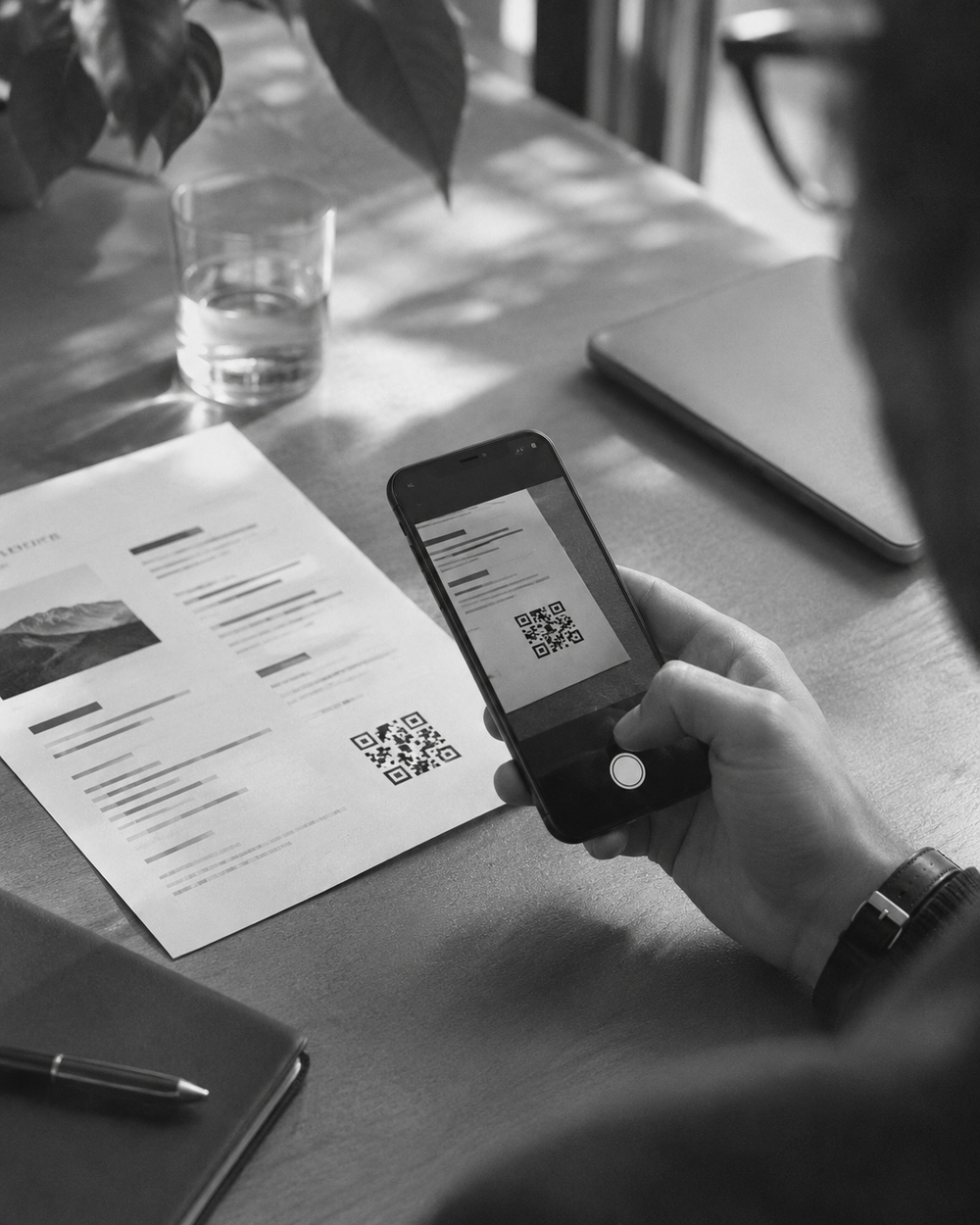
Share your page by link or QR code
 sub/job-seekers-a.png1000 × 1250
 sub/cv-builder-b.png1000 × 1250
A printed code that keeps up.
Put your QR code on a business card, then update the page behind it as your details change. Your introduction stays useful without a new print.
Build a page worth sharing.
Give visitors a clear introduction.
Choose the links visitors see on your page.
Choose a look for your introduction.
See how visitors use your page.
Put your card page behind an editable QR code.
A better hello, on any phone.
Give people a simple place to find your details and take the next step, whether you are sharing your work or welcoming customers.
- Photo or initials, name and role
- Links, contact details and opening hours
- Update your page whenever details change
 sub/job-seekers-b.png1000 × 1250
 illus/cta.png2000 × 1000
- Your card pageReady to shareActive
 illus/reports.png1200 × 676
Keep every introduction useful.
- Card page scannedBusiness card · iPhonenow
- Portfolio openedCard page button3 min ago
- Contact savedCard page button9 min ago
Card page questions, answered.
Useful details before you share.
What can I add to my card page?
Add your name, role, photo or initials, links and contact details. A business can also share opening hours and a review link.
Can I change my page after printing the QR code?
Yes. Edit your card page when your details change; the printed code can keep opening the same page.
Can visitors save my contact details?
Yes. Add a save-contact action so visitors can keep your details.
Can I use a card page for my business?
Yes. Bring your business details, opening hours and useful links together on one page.
Can I see how people use my page?
Card page activity can show views, button taps and contacts saved, alongside scan statistics.
How can I share my card page?
Share its link directly or put its QR code on a business card or other printed material.
Explore more ways to share.
Make your next hello count.
Create a card page and share what matters in one scan.