 sub/job-seekers-a.png1000 × 1250
 sub/job-seekers-b.png1000 × 1250
 sub/job-seekers-illus.png1200 × 900
A CV that looks finished
Guided steps and a clean layout; edit on the page like a design tool.
Build a clean CV for free, share it with a link or a QR code, and see when it was opened. Add a card page with your portfolio and contact details. Free forever.
Free tools you can use today, and editable codes with reports when you create a free account.
sub/job-seekers-illus.png1200 × 900Guided steps and a clean layout; edit on the page like a design tool.
 qr/url.png1200 × 900
Put the code on your printed CV, portfolio or business card.
See opens by day and city.
 illus/secure.png1200 × 900
Share privately and stop the link after the hiring round.
 qr/vcard.png1200 × 900
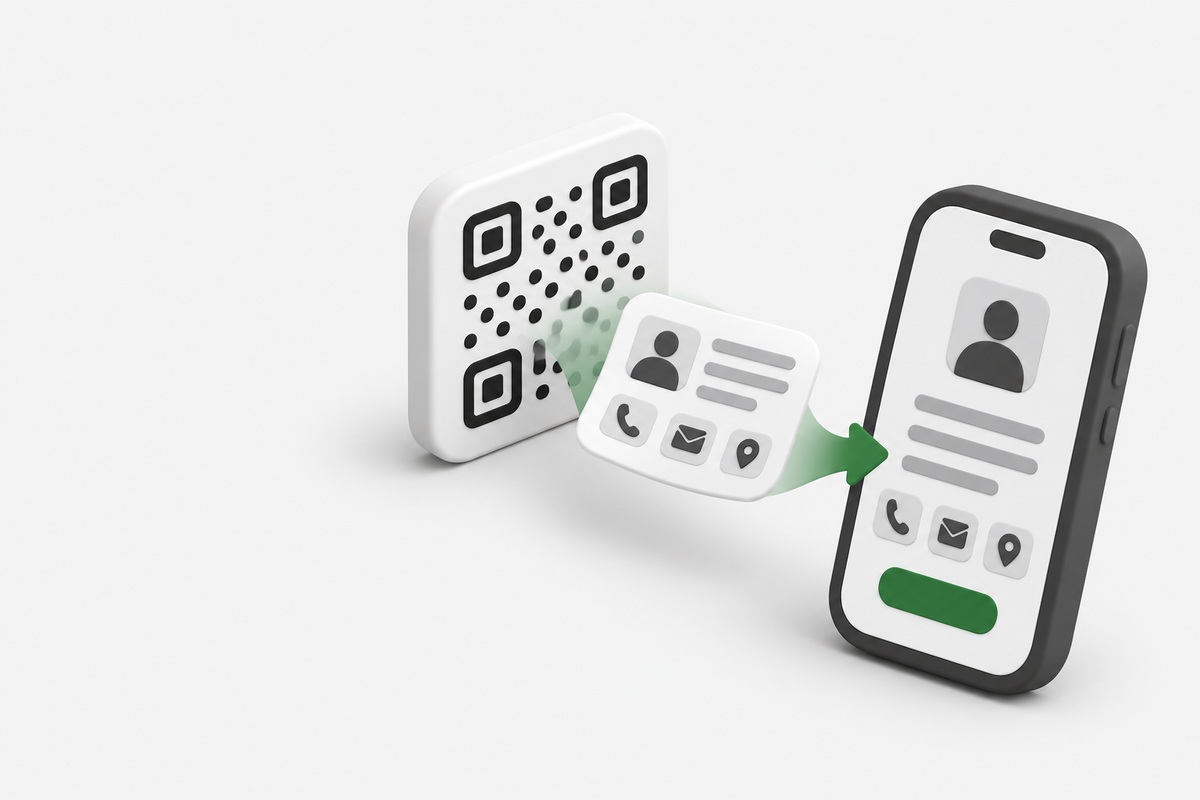
A vCard code saves you to the recruiter's phone.
 illus/cta.png1200 × 900
Portfolio, LinkedIn, CV and booking link behind one code.
 sub/job-seekers-band.png2000 × 1000
No account needed to start. No watermark on anything you download.
Start nowStep by step, with a live preview and templates.
Link, QR code, password and end date.
See when it was opened and keep it updated.
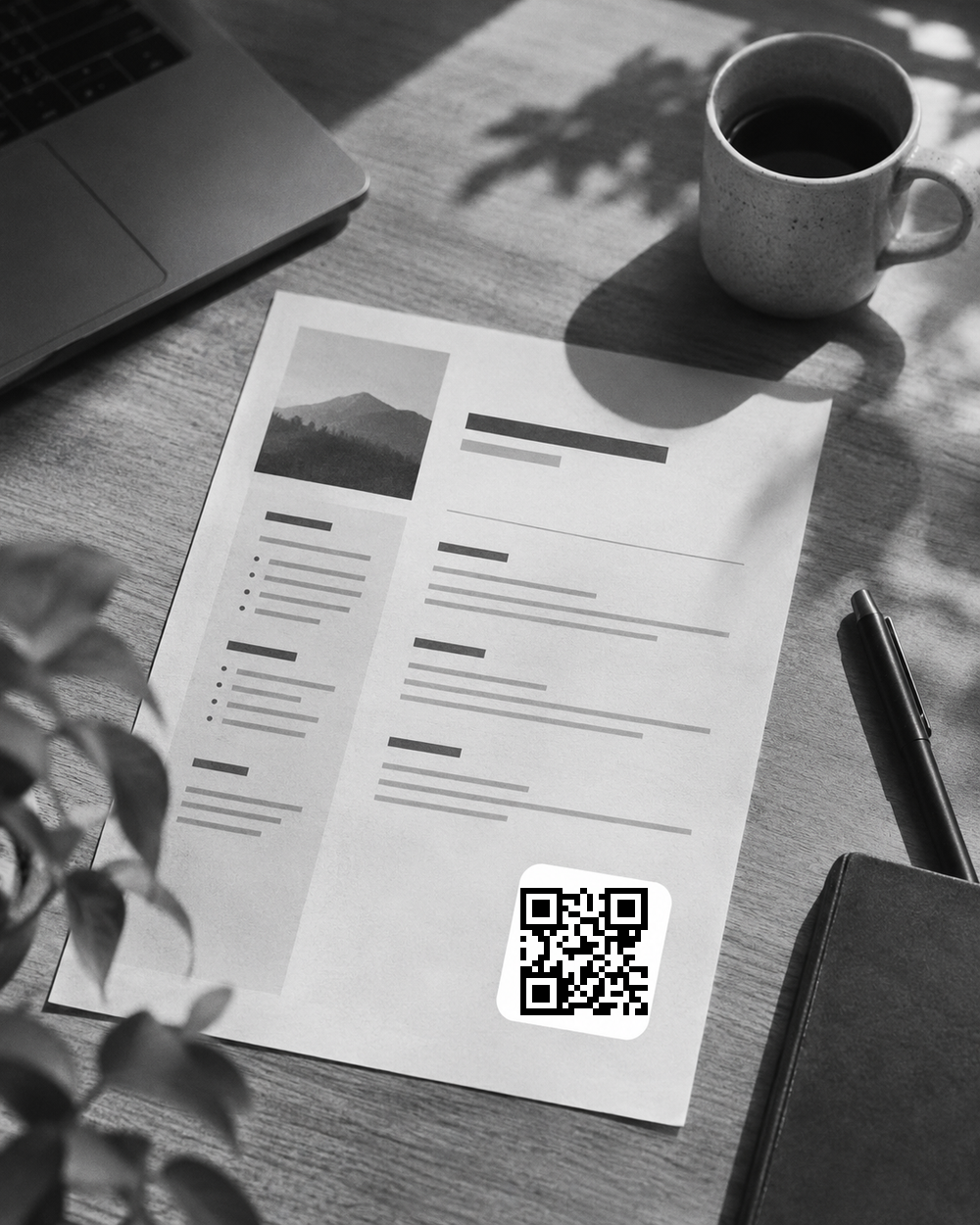
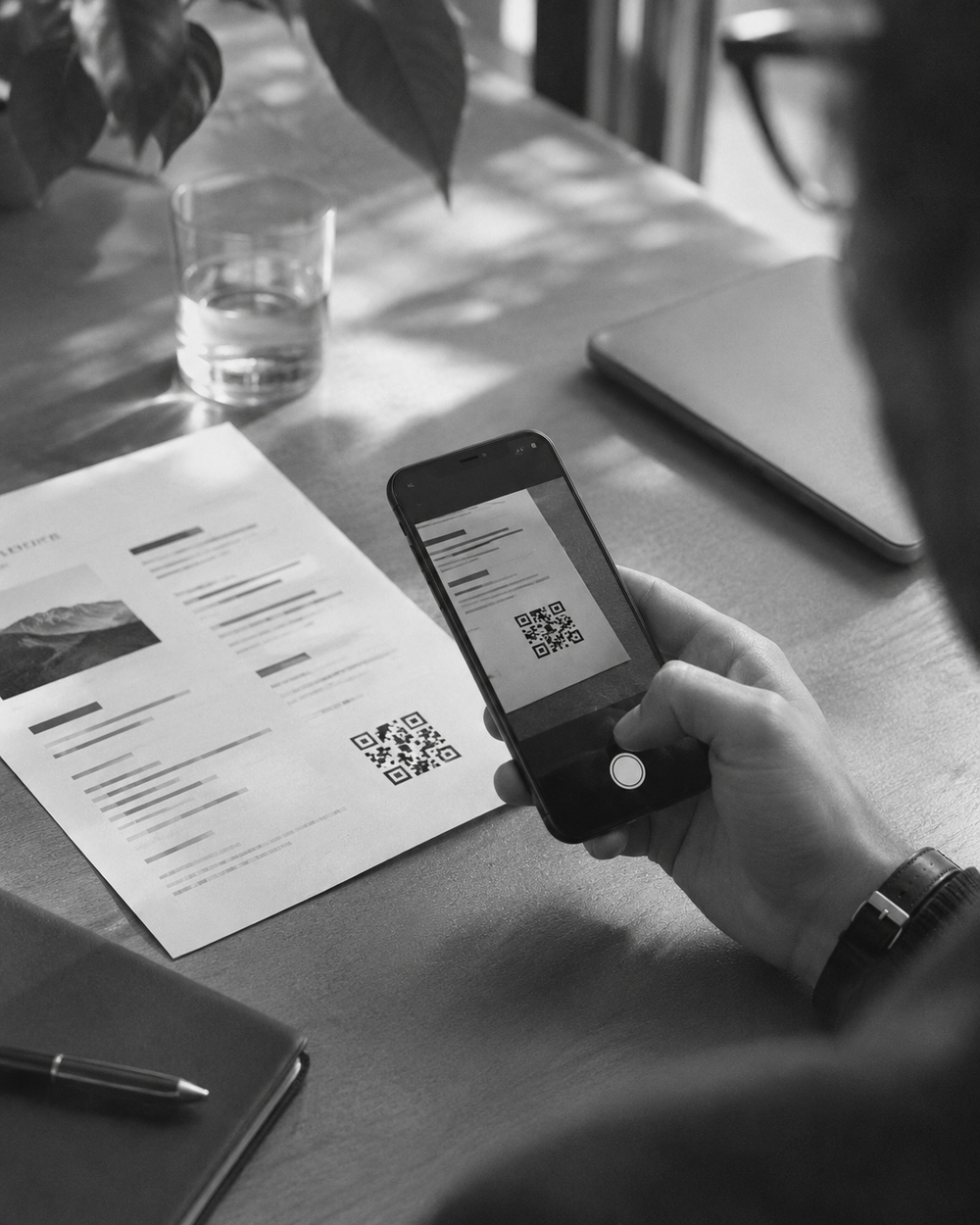
A QR code on a printed CV is a shortcut for recruiters: one scan opens your portfolio, your online CV or your contact details. It works best when it leads somewhere that adds value, such as work samples, a video introduction or an always up-to-date version of your CV.
Place the code in the header or the contact section, about 2 cm wide, with a short label like "Portfolio" or "Latest CV". Keep the rest of the CV readable on paper; the code is a bonus, not a replacement.
With a free QuicklyQR account your CV link can have a password and an end date, so it stops working after the hiring round. You also see when and where it was opened, which helps you time your follow-up.
Keep it to one page if you have less than ten years of experience. Start each point with an action and a result: "Cut sign-up drop-off by a third" says more than "Responsible for sign-up". Use plain fonts, clear headings and consistent dates. Tailor the top third to the job: the title, a two-line summary and the three most relevant achievements.
Save as PDF so the layout never breaks. QuicklyQR's free CV builder guides you through each section, checks length and lets you move blocks on the page before you download.
Anything else? Write to hello@quicklyqr.com.
Yes. Building, editing and downloading your CV is free forever. A free account keeps it saved and shows views.
Yes, if it opens something useful like your portfolio or the latest CV. Keep it about 2 cm wide.
Yes, shared links in your free account show opens by day and city.
Yes, and you can set an end date so the link stops working.
Yes. The link always opens the latest version.
A PDF for portals and emails; a link or QR code when you want to track views.
A simple page with your links, contact and CV behind one QR code.
No, the phone camera is enough.
 sub/restaurants-illus.png1200 × 900
 sub/events-illus.png1200 × 900
 sub/retail-illus.png1200 × 900
Free forever. No account needed to start, no watermark on anything you download.
illus/cta.png1000 × 900