 sub/events-a.png1000 × 1250
 sub/events-b.png1000 × 1250
 sub/events-illus.png1200 × 900
 qr/url.png1200 × 900
Posters that sell tickets
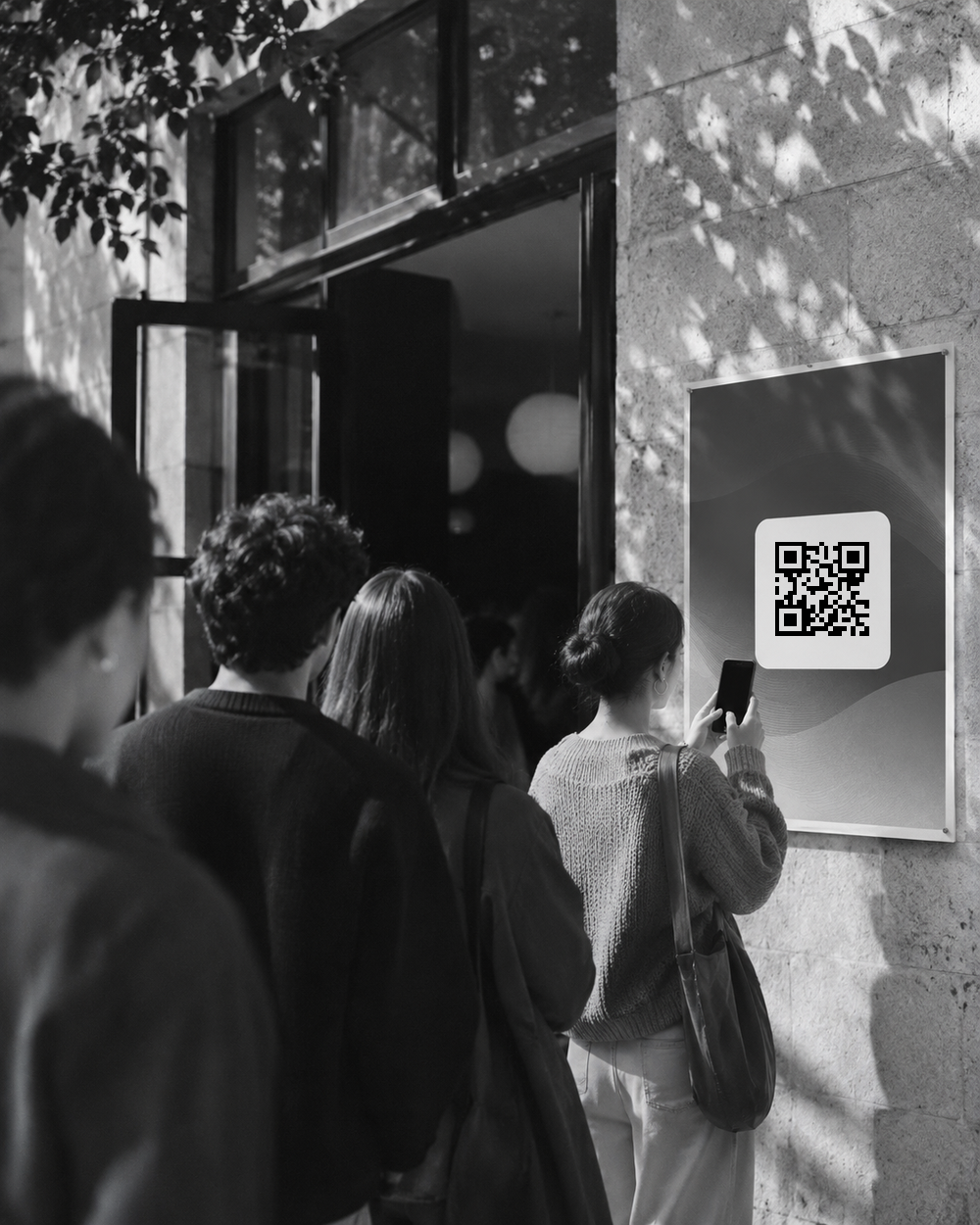
One code per poster opens the ticket page. Swap the link when early-bird ends.
Posters that sell tickets, badges that share contacts and schedules that update themselves. Change the link after printing and see which poster works best. Free forever.
Free tools you can use today, and editable codes with reports when you create a free account.
qr/url.png1200 × 900One code per poster opens the ticket page. Swap the link when early-bird ends.
 qr/event.png1200 × 900
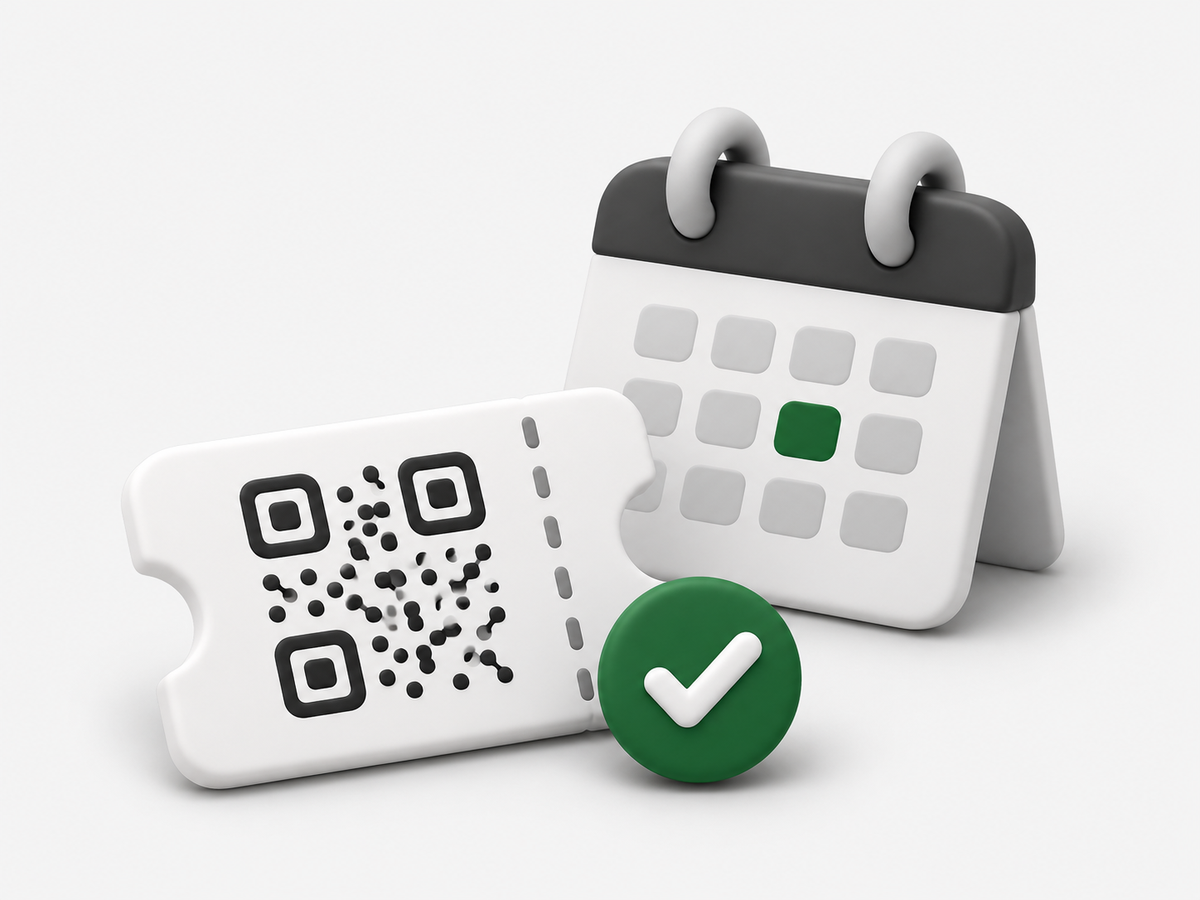
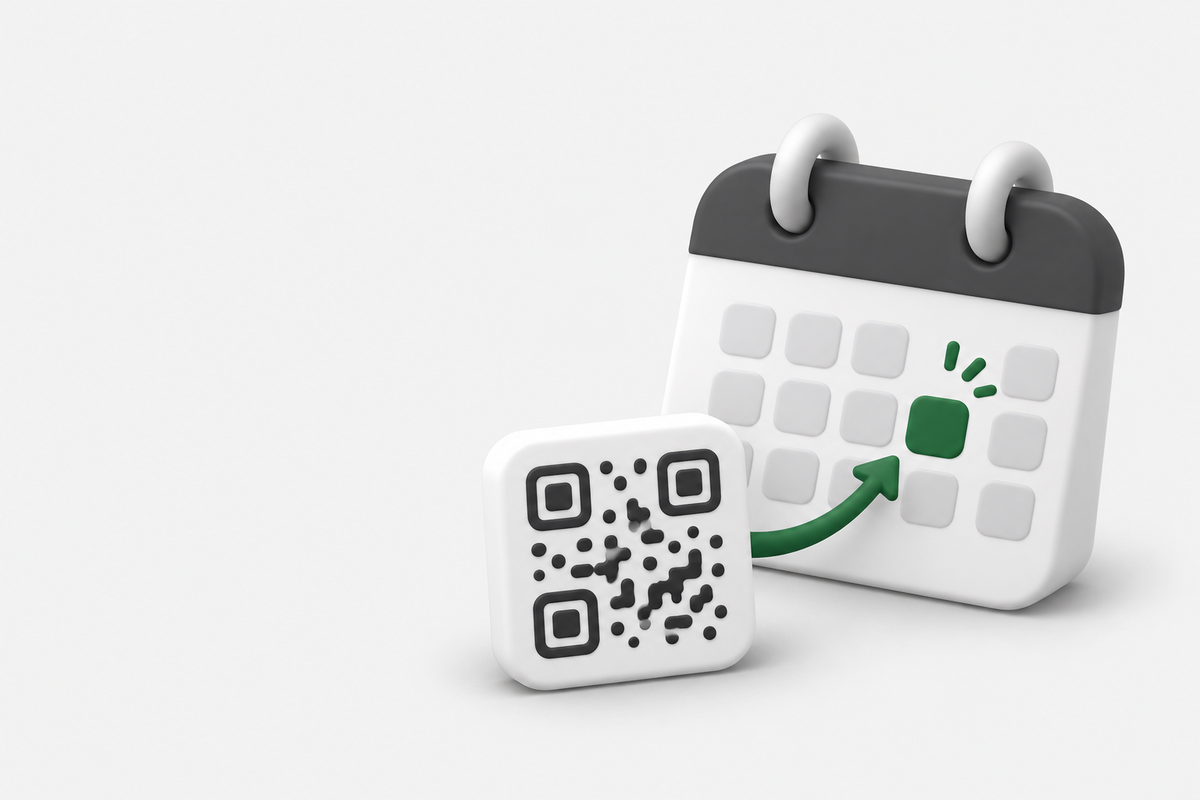
An event code adds the date, time and venue to any calendar.
Give each location its own code and compare scans.
 qr/vcard.png1200 × 900
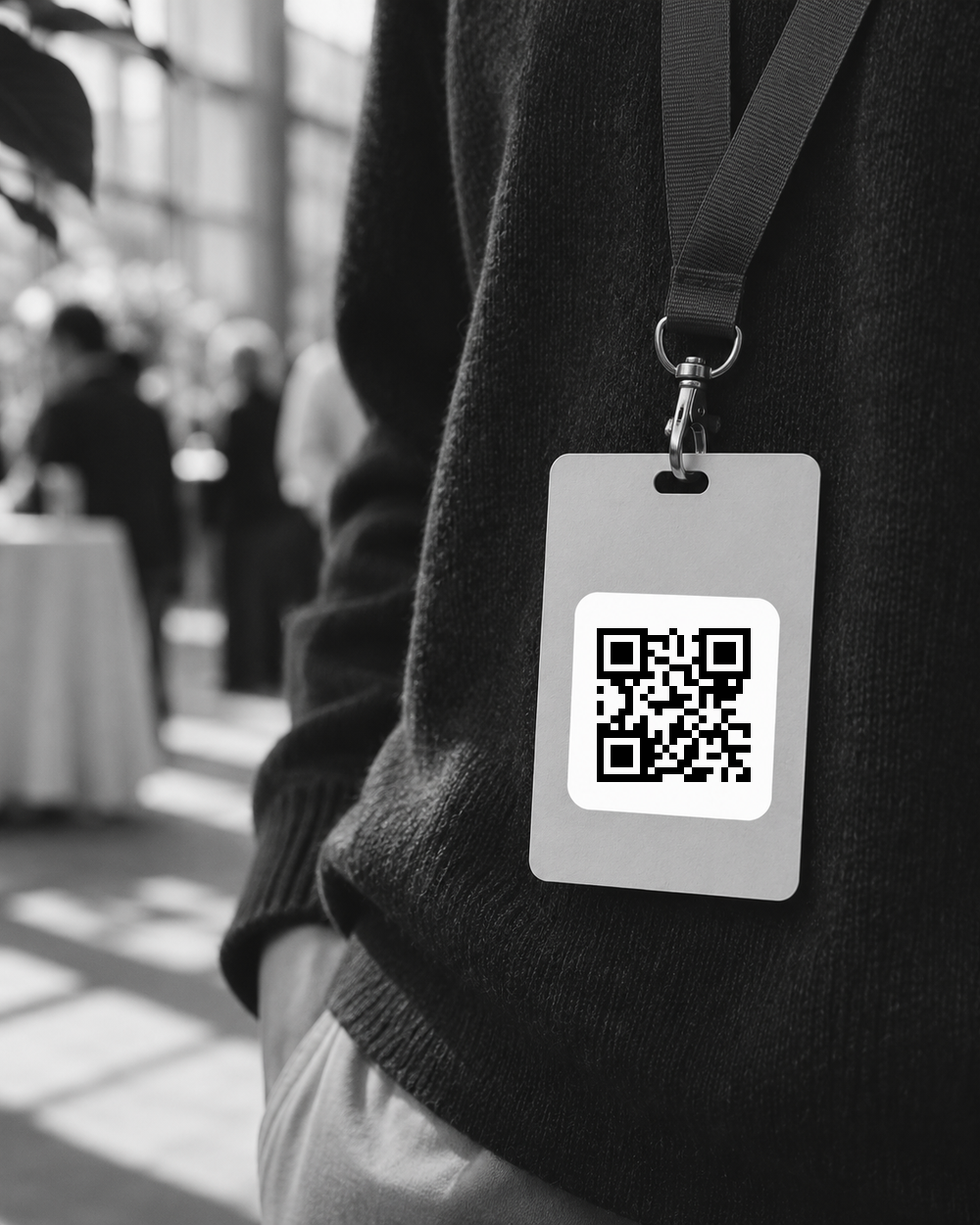
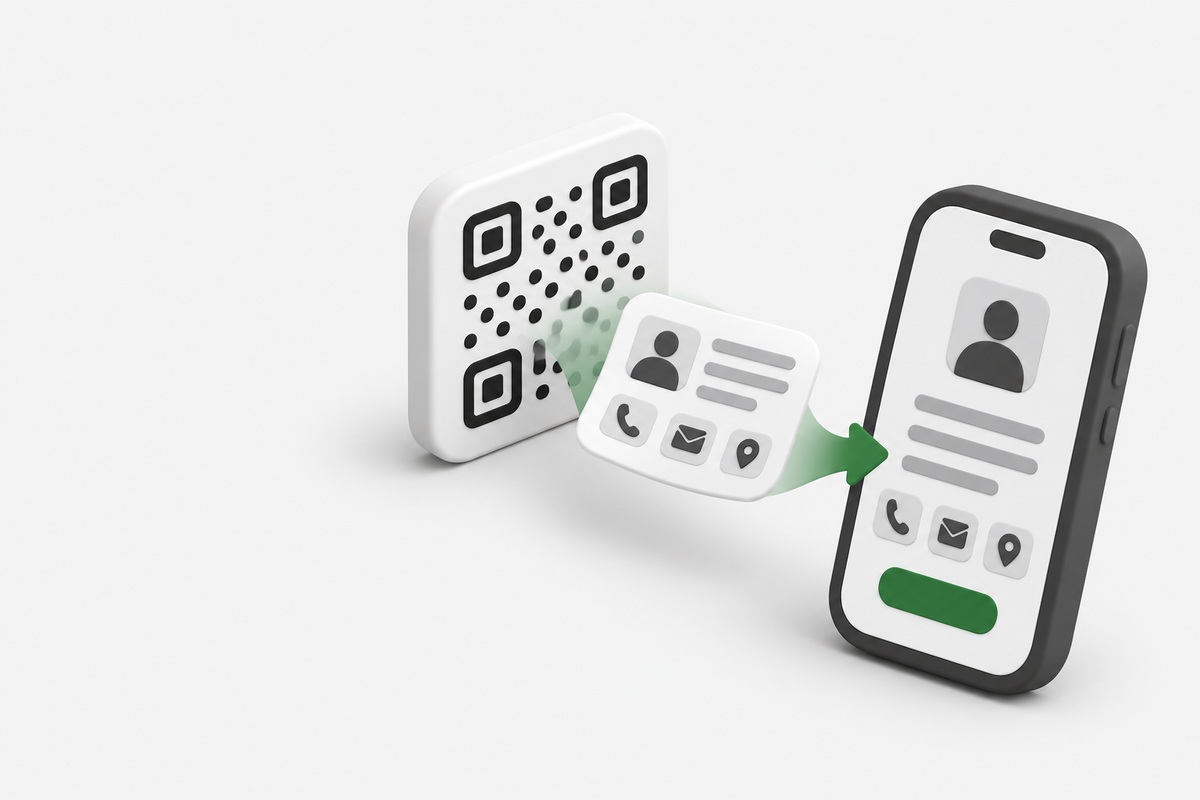
Attendees scan a badge to save the person to their phone.
 qr/pdf.png1200 × 900
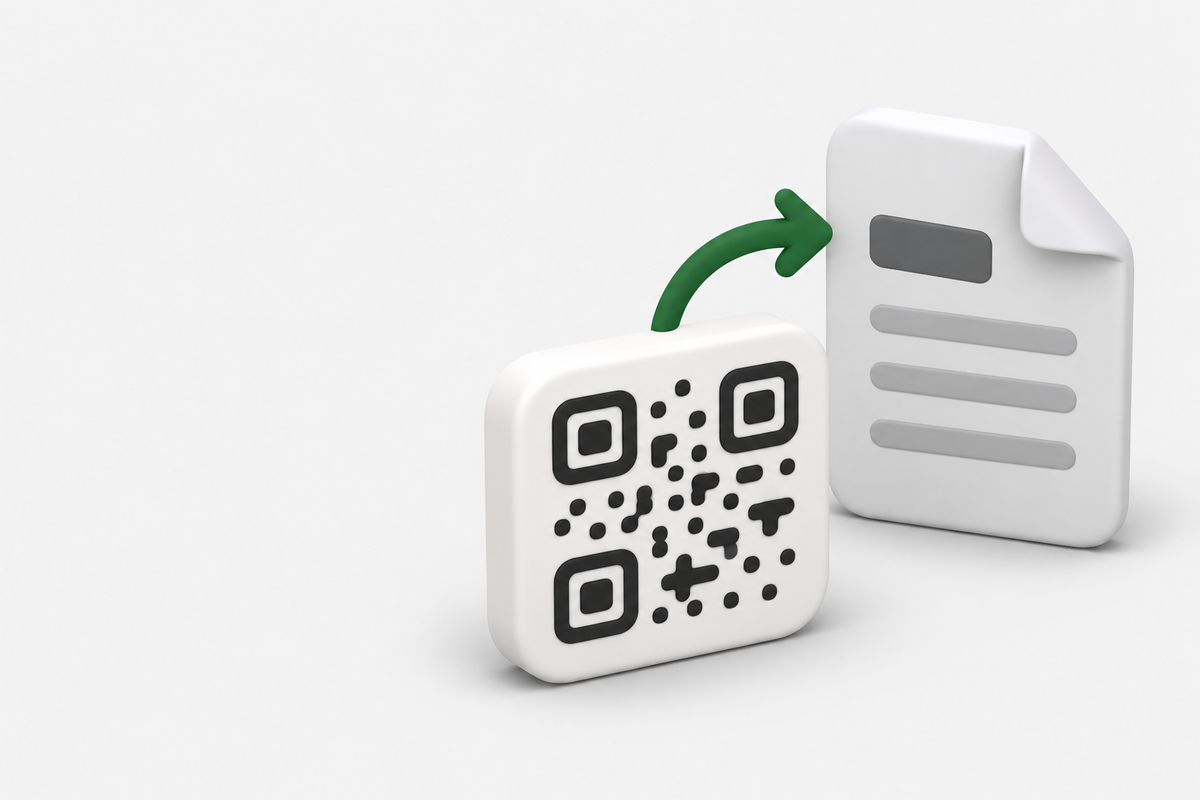
Change the schedule PDF; printed codes open the new one.
 qr/location.png1200 × 900
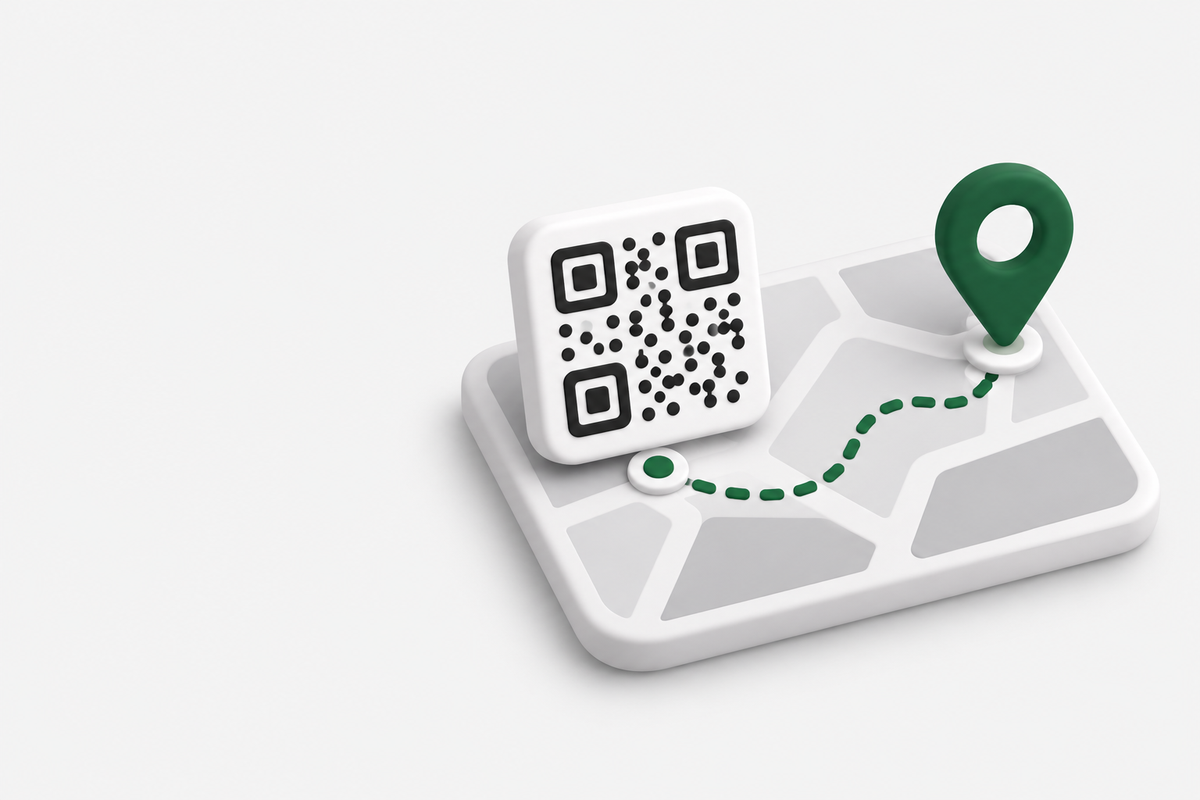
A location code opens the map at the right entrance.
 sub/events-band.png2000 × 1000
No account needed to start. No watermark on anything you download.
Start nowPosters, flyers, badges and screens each get their own code.
Any size, from badges to banners, as SVG or PDF.
See which spots work and change links as the event moves on.
Events run on short attention: people walk past a poster, glance at a badge or flip a programme. A QR code turns that moment into an action, such as buying a ticket, adding the date to a calendar or saving a speaker's contact. Because the code opens a page instantly, there is nothing to type and nothing to remember.
The most useful event codes are editable. Posters are printed weeks in advance, but links change: early-bird tickets end, the venue map is updated, the livestream starts. With an editable code in a free QuicklyQR account you print once and change the destination whenever you need to.
Give every poster location its own code. Scan reports then show which station, campus or shop window brings the most visitors, so the next print run goes where it works.
Write a clear call to action next to each code, for example "Scan for tickets" or "Scan to add to your calendar". Codes with a reason get scanned far more.
Use the one-tenth rule: the code should be about a tenth of the distance people scan from. An A3 poster read from one metre needs a code around 10 cm wide; a banner across a hall needs much more. Badges work at 2–3 cm because people scan them up close.
Keep strong contrast and a white quiet zone around the code, especially on colourful posters. Put the code where people stop: at eye height near entrances, queues and seating, not at the bottom edge. Download SVG or PDF for printers so the edges stay crisp at any size.
Anything else? Write to hello@quicklyqr.com.
Yes, with an editable code in your free account. The poster stays the same; you change where it points.
Yes. The event code stores the title, time and place; phones offer to add it to the calendar.
About one tenth of the scanning distance. From one metre, around 10 cm.
Give each location its own code and compare scans in your report.
Yes, free forever with no watermark.
Yes. A vCard code on a badge saves the person to the scanner's contacts.
Point them to the photo gallery, a feedback form or next year's event.
No. The phone camera is enough.
 sub/restaurants-illus.png1200 × 900
 sub/retail-illus.png1200 × 900
 sub/job-seekers-illus.png1200 × 900
Free forever. No account needed to start, no watermark on anything you download.
 illus/cta.png1000 × 900