 sub/retail-a.png1000 × 1250
 sub/retail-b.png1000 × 1250
 sub/retail-illus.png1200 × 900
 qr/url.png1200 × 900
A code on every product
Create codes in bulk from a list of products and print them on labels.
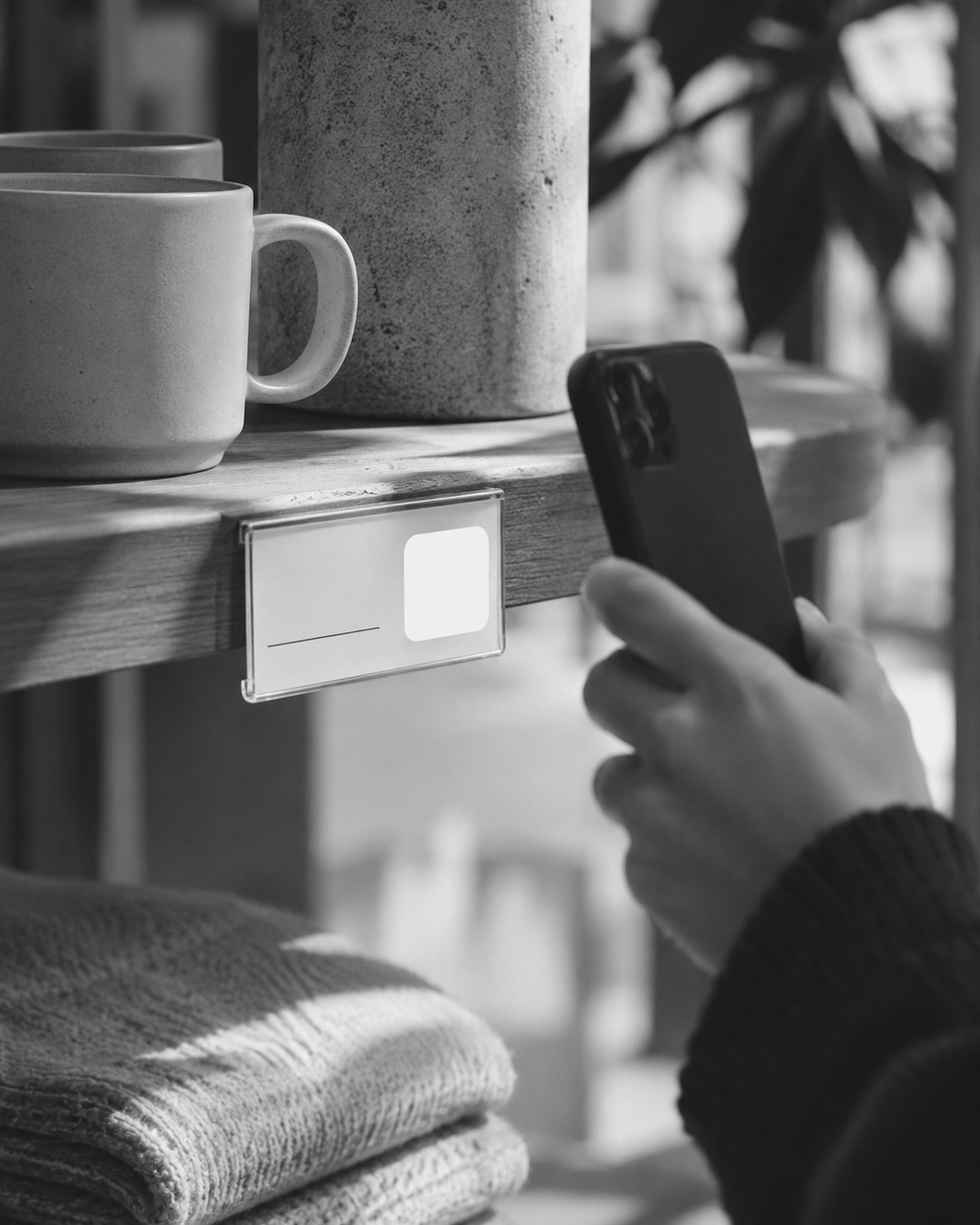
Shelf labels that open reviews, boxes that open manuals and windows that sell after closing time. Bulk codes for every product, editable after printing. Free forever.
Free tools you can use today, and editable codes with reports when you create a free account.
qr/url.png1200 × 900Create codes in bulk from a list of products and print them on labels.
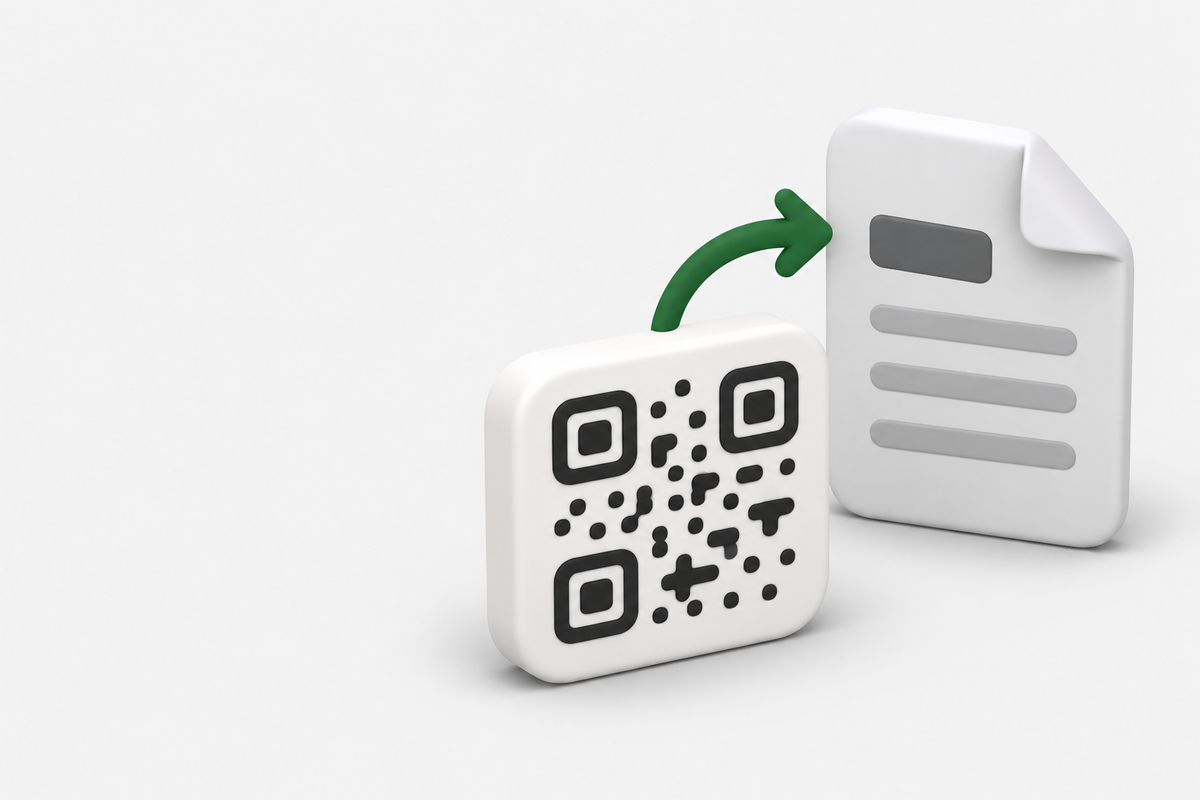 qr/pdf.png1200 × 900
Replace paper leaflets with a PDF that you can update.
See which products people look at, and where.
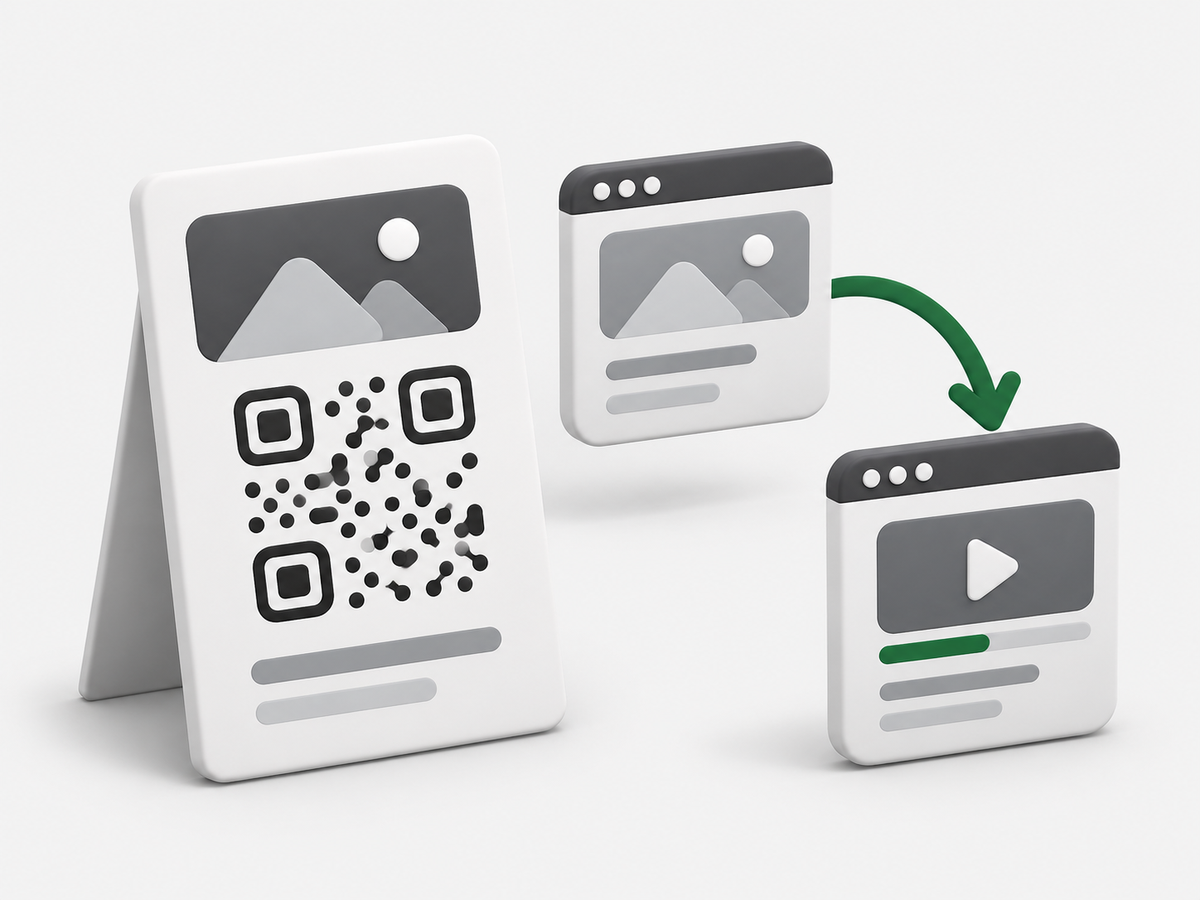 illus/dynamic.png1200 × 900
Change the offer behind a printed code any time.
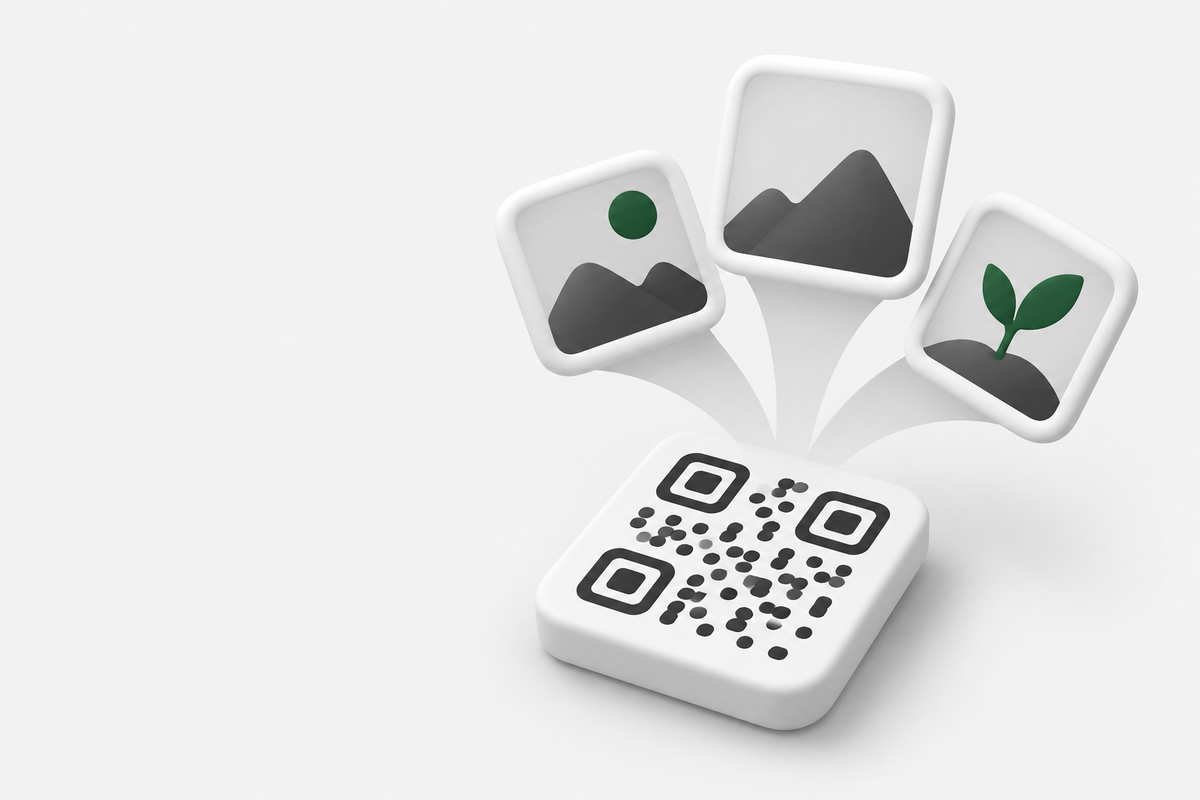 qr/image.png1200 × 900
Show the product in use before they buy.
 qr/app-store.png1200 × 900
A window code opens the online shop when the door is shut.
 sub/retail-band.png2000 × 1000
No account needed to start. No watermark on anything you download.
Start nowPaste a list or upload CSV; get one code per product.
SVG and PDF in exact sizes for your label printer.
Swap links and offers; see scans per product and shop.
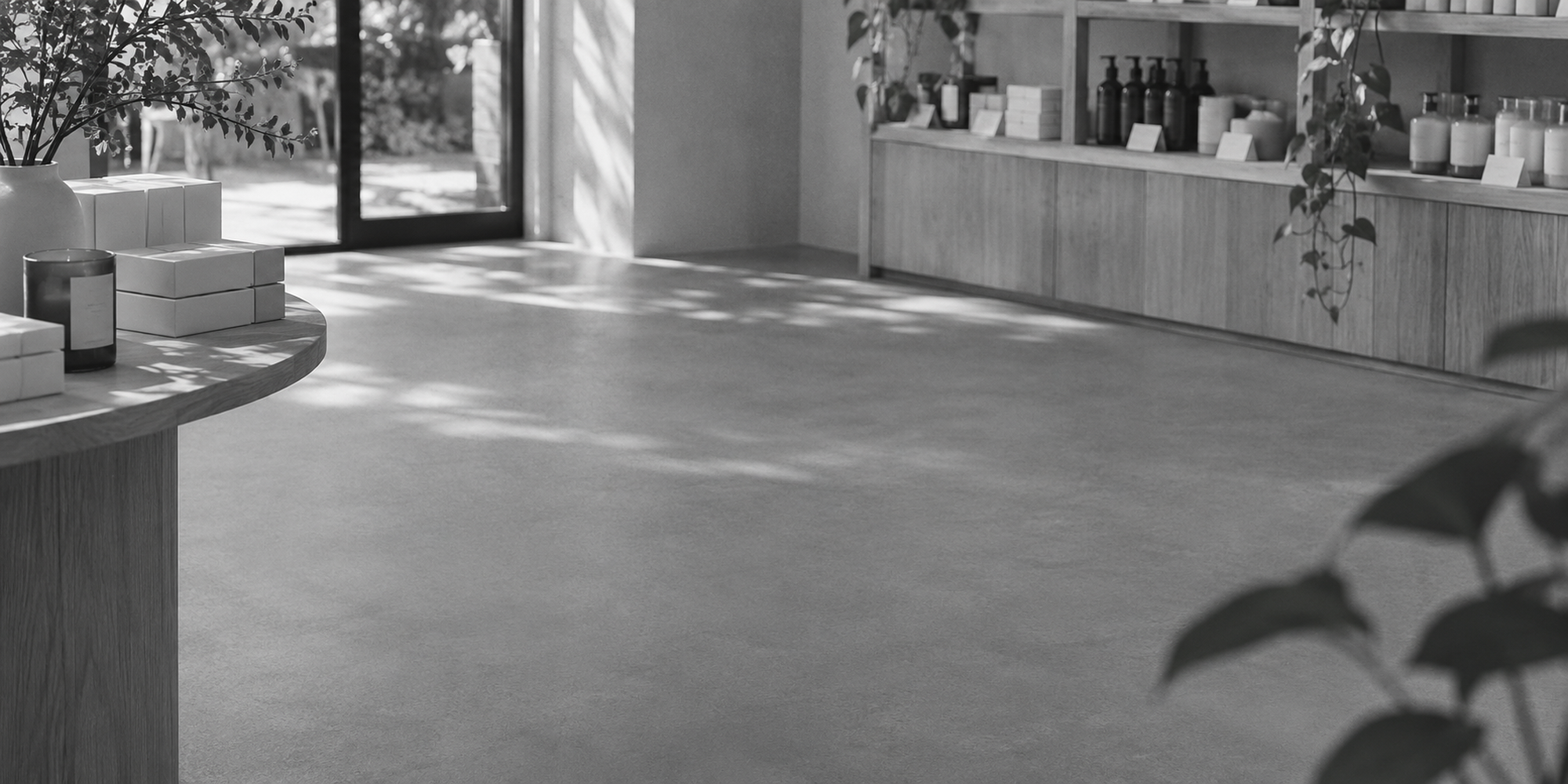
Shoppers already use their phones in the aisle to check reviews, compare prices and read details that don't fit on a label. A QR code gives them the right page in one scan: the product page, a manual, a video or a review section. For retailers and brands, that means fewer questions at the till, fewer returns and a direct line to the customer after the sale.
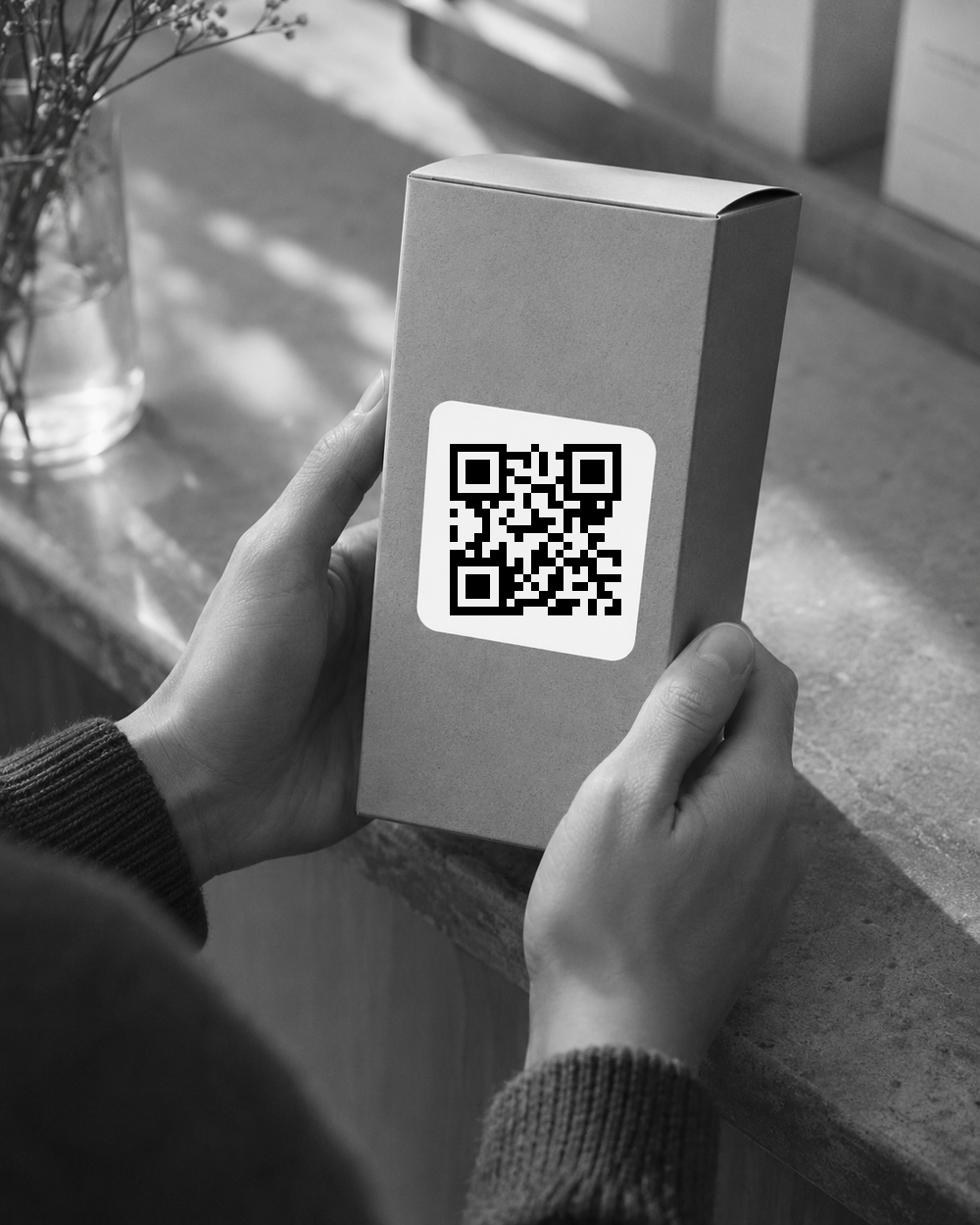
On packaging, use editable codes. Boxes are printed in large runs and stay on shelves for months; with an editable code in a free QuicklyQR account you can change the destination when the manual is updated or a new offer starts, without reprinting.
Paste a product list or upload a CSV and create a code for every item at once, each with its own link and name. Download them as a ZIP of SVG files ready for your label software.
Small labels need clean codes: keep the content short (a short link is ideal), use error correction M and print at least 1.5 cm on shelf labels and 2 cm on boxes. On curved bottles, place the code on the flattest part and avoid wrapping it around the curve.
Print dark on light. Metallic, transparent and very glossy materials can stop phones from reading the code; test on the real material before a large run. Ask your printer for SVG or PDF so the modules stay sharp.
Anything else? Write to hello@quicklyqr.com.
Yes. Paste a list or upload a CSV and get one code per product, downloadable as a ZIP.
Yes, with an editable code. The box stays the same; you change the destination.
Around 1.5 cm on shelf labels with a short link; test before printing.
Give each shop its own code or tag, and compare them in the report.
Yes, free forever, with no watermark.
No, the phone camera is enough.
SVG or PDF, so the code stays sharp at any size.
Yes, the app store code sends each phone to the right store.
 sub/restaurants-illus.png1200 × 900
 sub/events-illus.png1200 × 900
 sub/job-seekers-illus.png1200 × 900
Free forever. No account needed to start, no watermark on anything you download.
 illus/cta.png1000 × 900