 sub/restaurants-a.png1000 × 1250
 sub/restaurants-b.png1000 × 1250
 sub/restaurants-illus.png1200 × 900
 qr/url.png1200 × 900
Your menu, always current
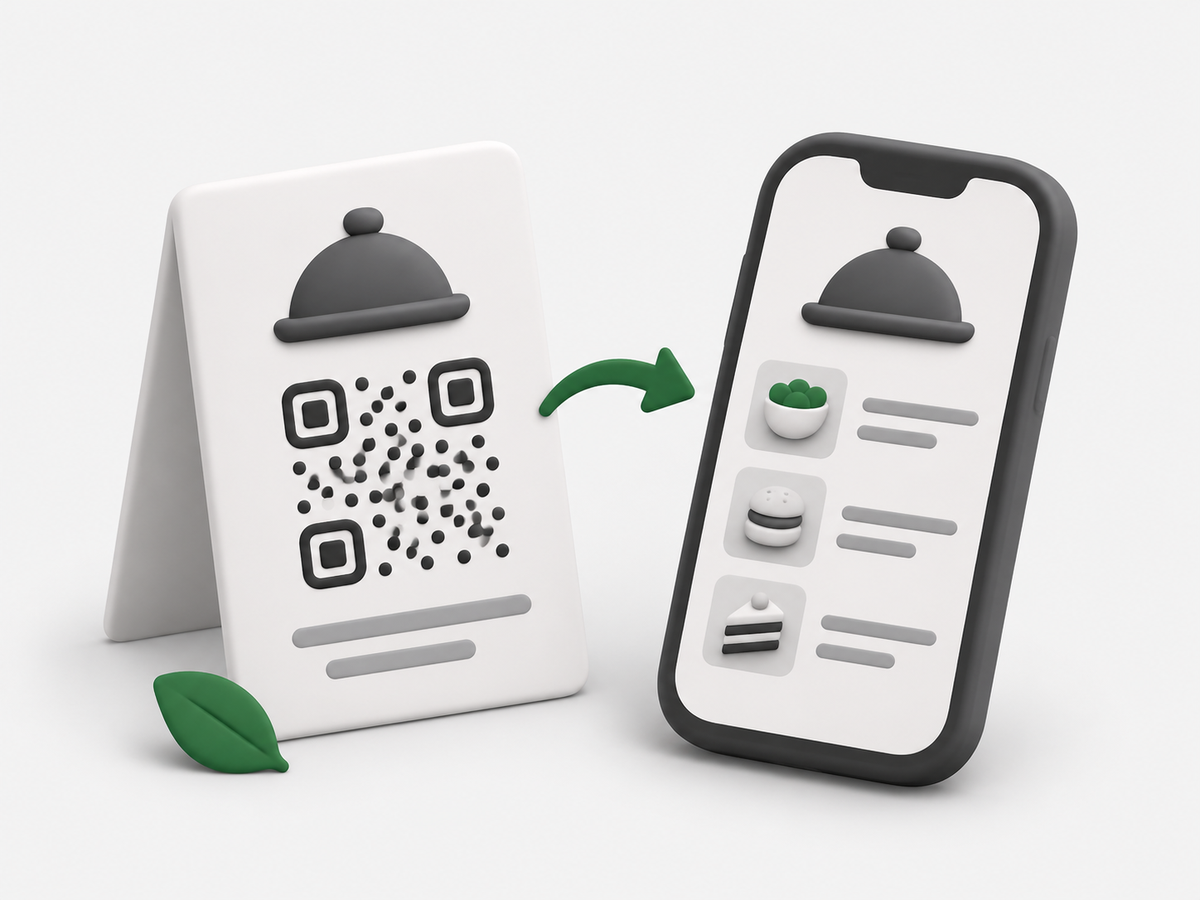
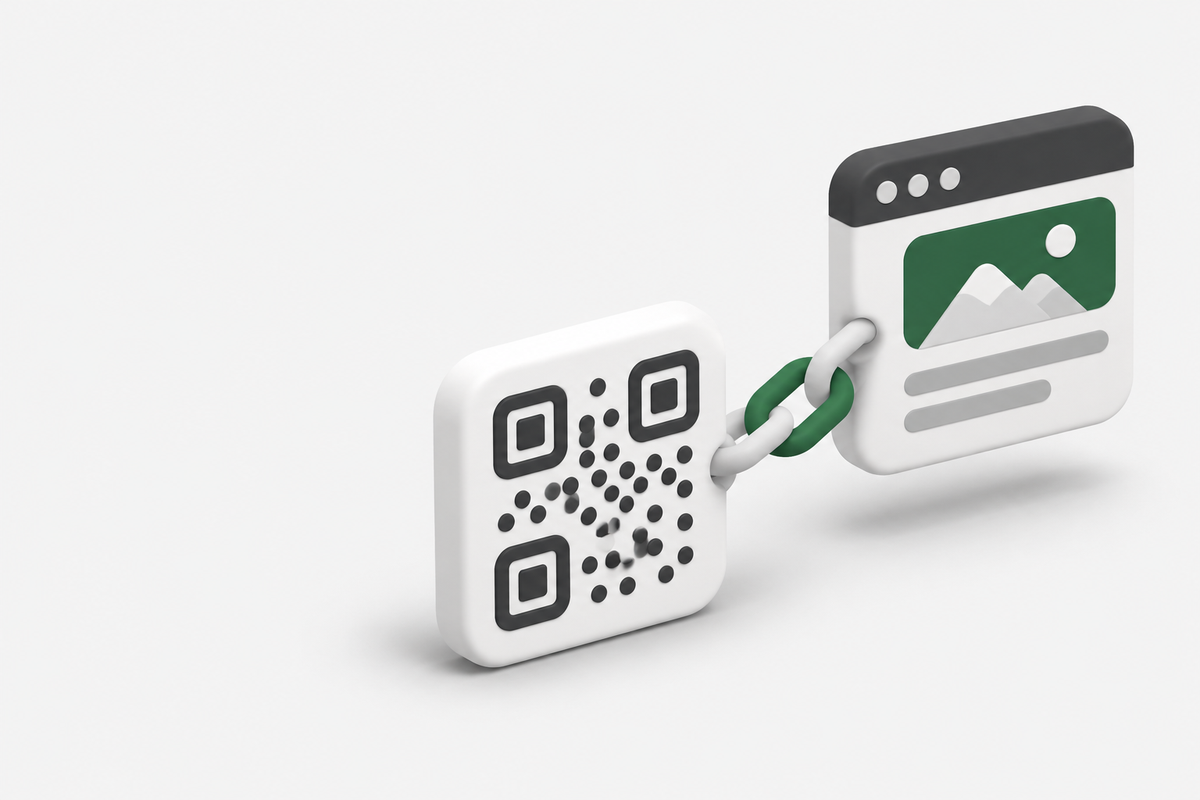
Print one table card. When dishes or prices change, edit the link from your phone; the printed code stays the same.
Put your menu, Wi-Fi and review link on every table. Change the menu without reprinting, and see which tables scan most. Free forever, no watermark.
Free tools you can use today, and editable codes with reports when you create a free account.
qr/url.png1200 × 900Print one table card. When dishes or prices change, edit the link from your phone; the printed code stays the same.
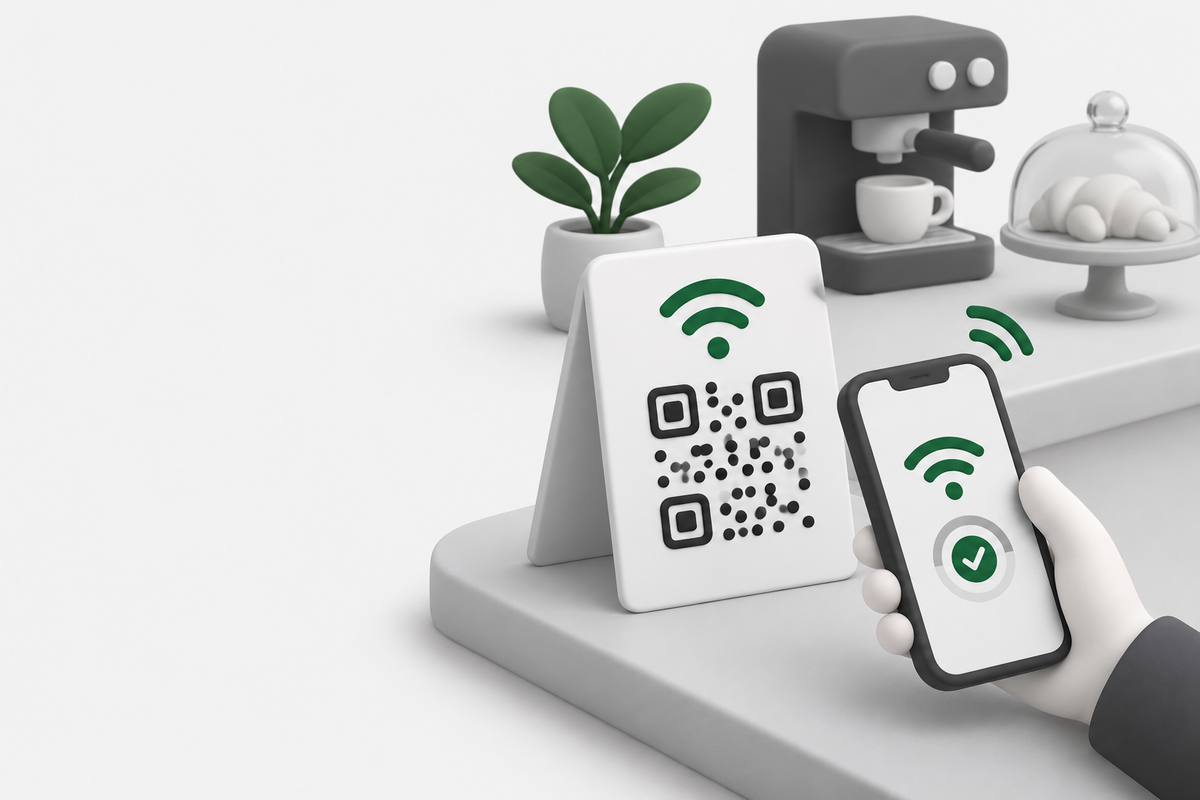 qr/wifi.png1200 × 900
Guests scan and join. No more spelling passwords at the counter.
Scans by table, hour and day. Plan staff for the busy slots.
 illus/help.png1200 × 900
A code on the bill opens your review page in one tap.
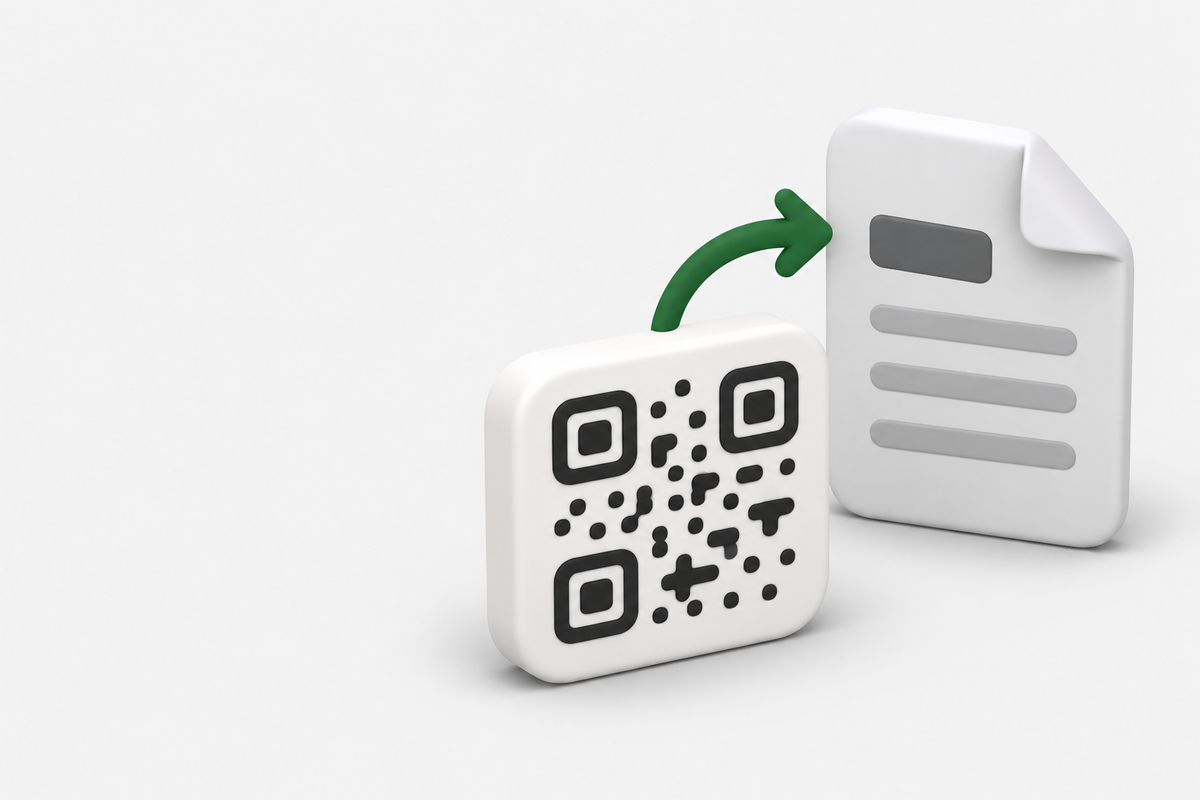 qr/pdf.png1200 × 900
Upload a PDF; we host it and keep it light for mobile data.
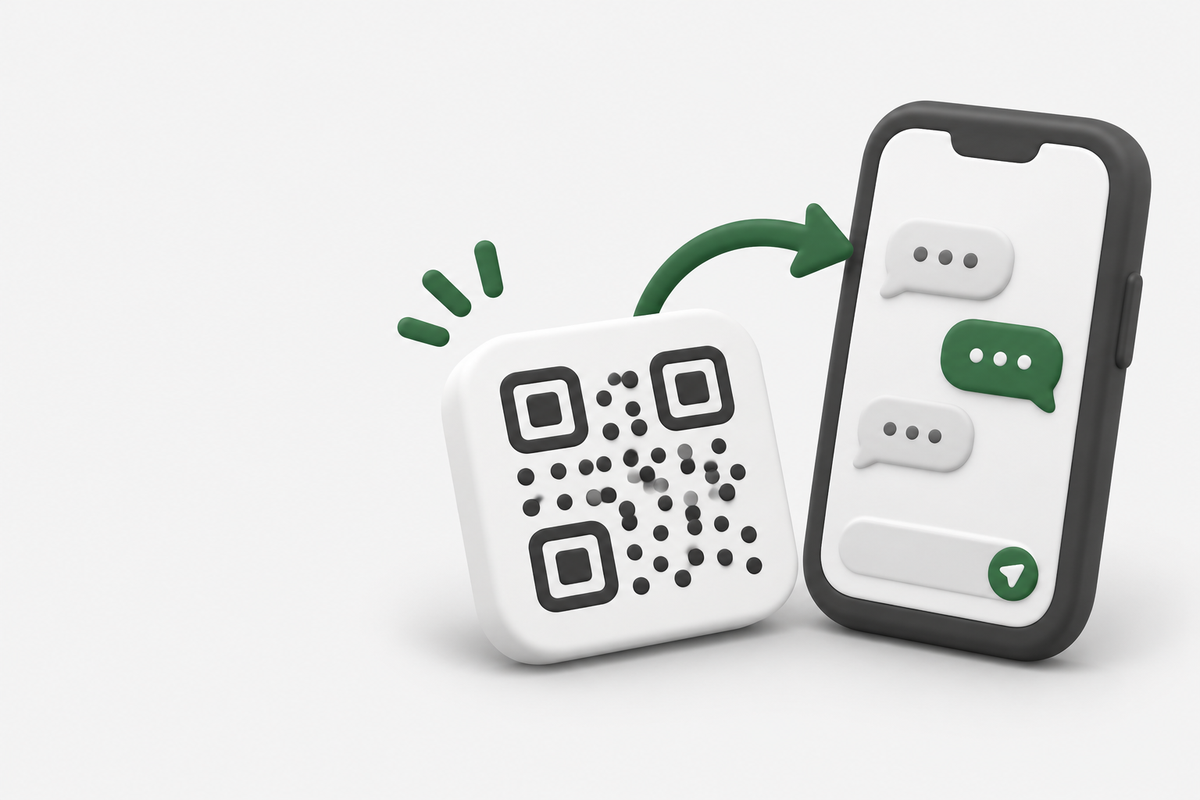 qr/whatsapp.png1200 × 900
One scan opens a chat with a message ready.
 sub/restaurants-band.png2000 × 1000
No account needed to start. No watermark on anything you download.
Start nowMenu, Wi-Fi and review codes, each with your logo and colours.
Download PNG, SVG or PDF at any size; print on your usual cards.
Change the menu link any time and see scans per table.
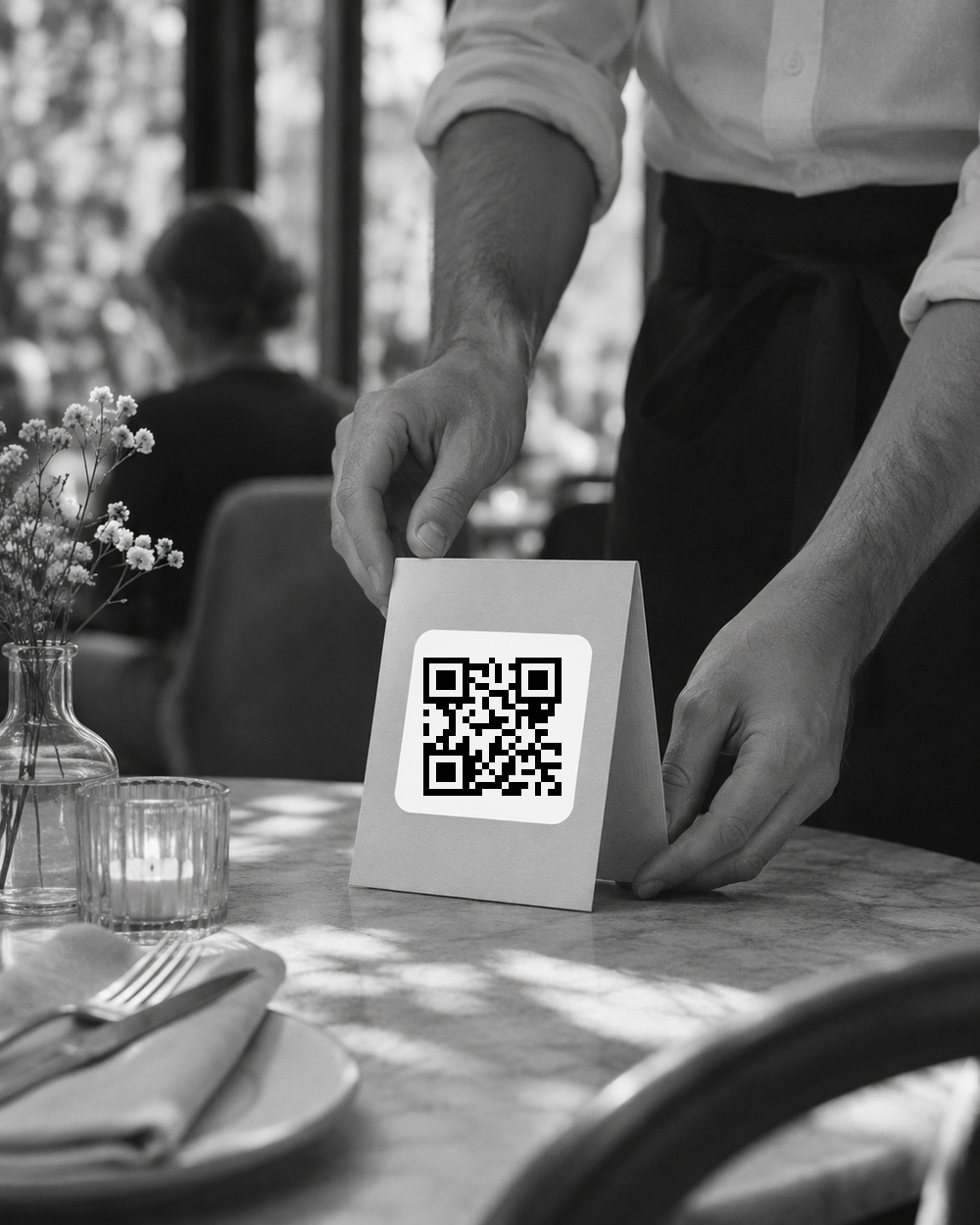
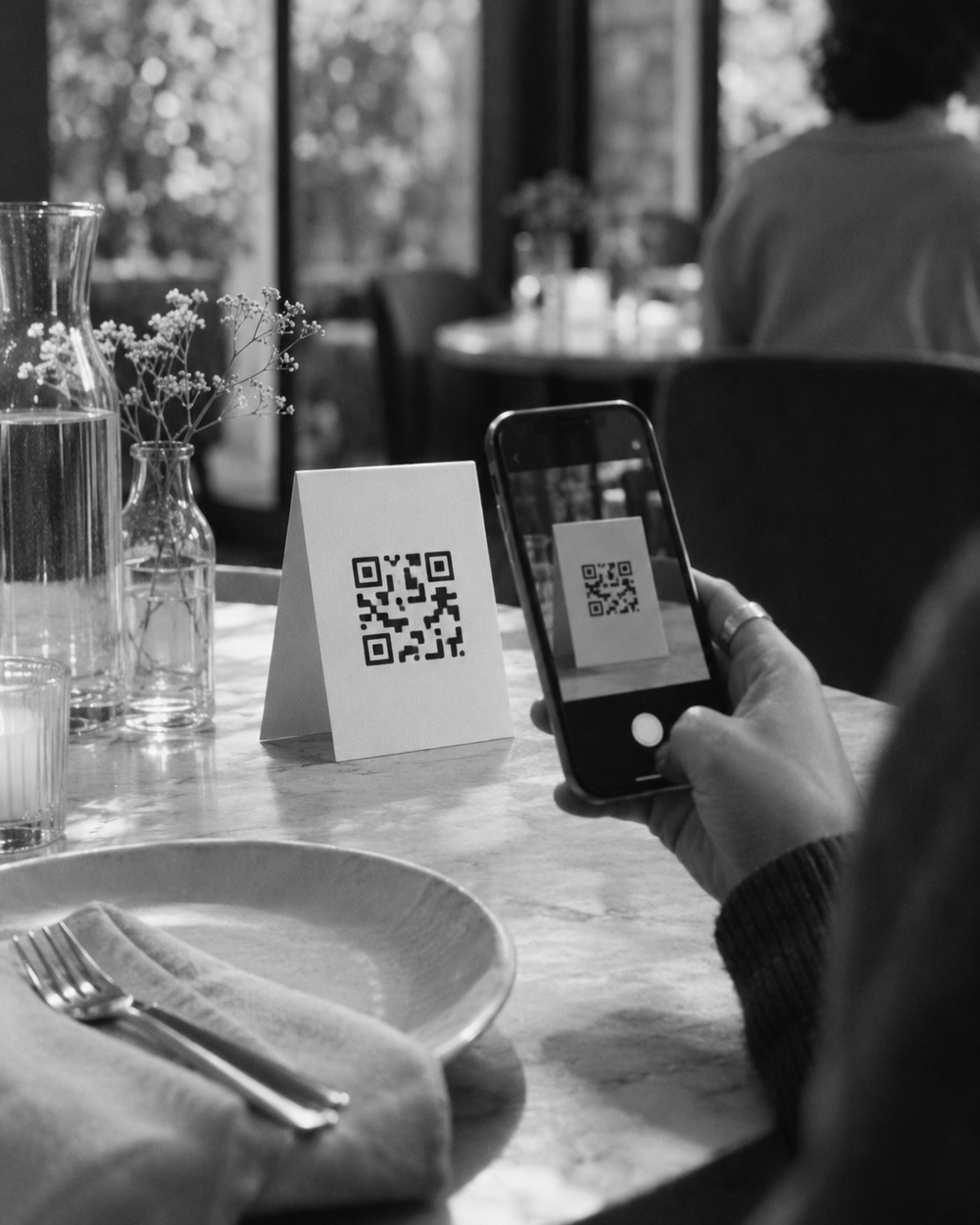
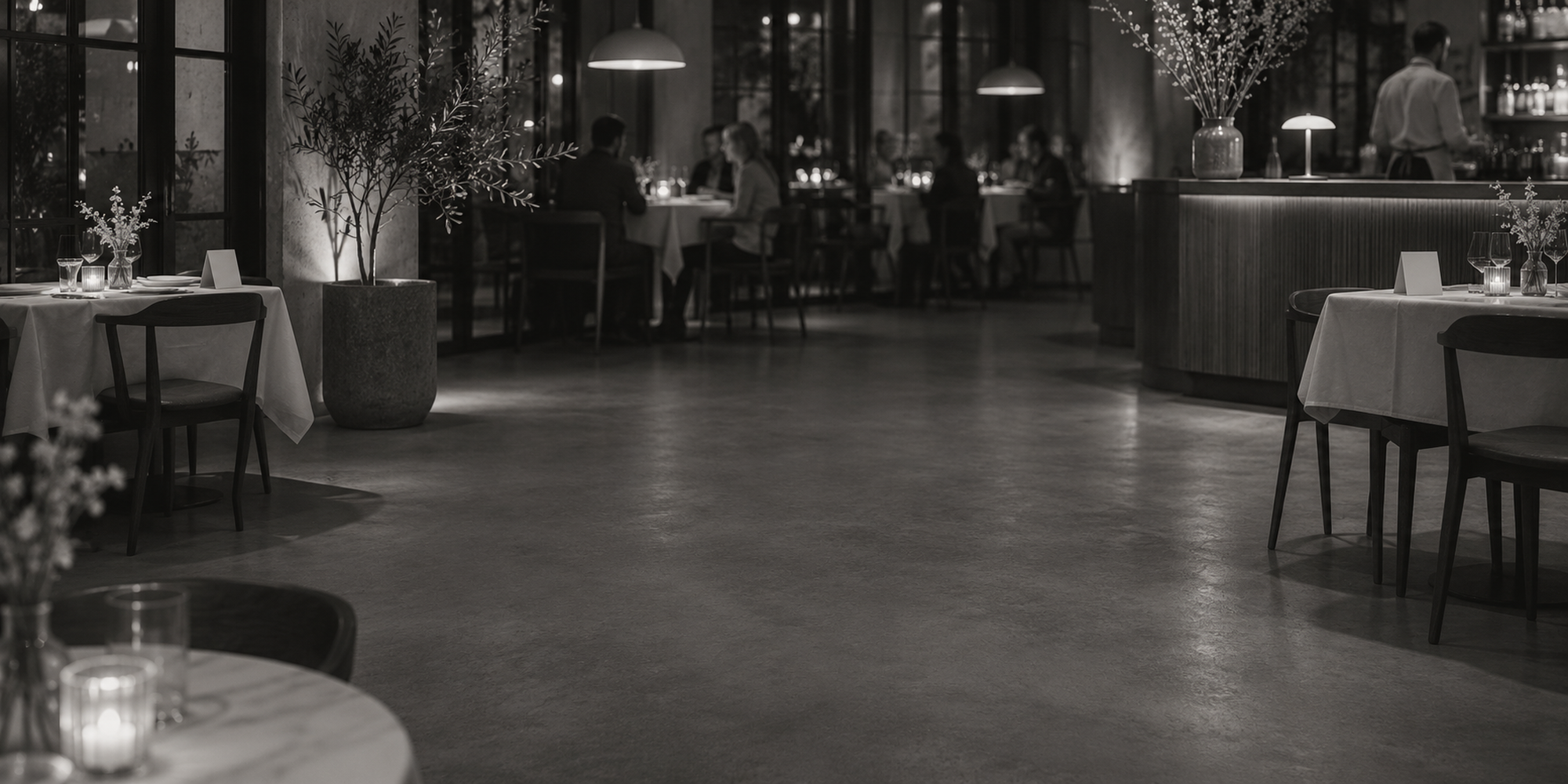
A QR code on the table is now the fastest way to show a menu, share Wi-Fi and collect reviews without extra staff time. Guests point their phone camera at the code and the page opens; there is no app to install. For a restaurant, the real value is not the code itself but what happens after the scan: an up-to-date menu, a short path to ordering and a reason to leave a review.
Most venues start with three codes: a menu code on every table, a Wi-Fi code near seating areas, and a review code on the bill or receipt. With a free QuicklyQR account, each of them can be editable, which means you print once and update the destination when the season, the prices or your review platform changes.
A static code stores the menu address inside the pattern. It works forever, but if the address changes you must reprint. An editable code stores a short link that you control, so you can switch from the winter to the spring menu in seconds and keep the same printed cards. Editable codes also count scans, which shows how many guests actually use the menu.
Pick two or three to start. Codes work best when guests know exactly what they will get: write a short line next to each one, such as "Scan for today's menu" or "Scan to join our Wi-Fi".
Print the code at least 3 × 3 cm on table cards and keep a white border around it. Dark code on a light background scans best; avoid placing it on glossy surfaces under direct lights, where reflections can hide the pattern. If you add your logo in the middle, error correction is raised automatically so the code still reads.
Place codes at eye level when people sit: on a table tent, the edge of the table or a coaster. On walls and windows, size up: a good rule is one tenth of the scanning distance, so a code read from two metres should be about 20 cm wide. Test each print with two different phones, including an older one, before you print the full run.
Use SVG or PDF for print shops so the edges stay sharp, and PNG for screens and social posts. Number your table cards in the file name so you can match scans to tables later.
Everything on this list is free on QuicklyQR: unlimited static codes, editable codes in your account and scan reports by day, hour, city and device.
Anything else? Write to hello@quicklyqr.com.
Yes. Making, downloading and printing QR codes on QuicklyQR is free forever with no watermark. Editable codes and scan reports come with a free account.
Yes, if the code is editable. You change the link in your account and every printed card opens the new menu.
At least 3 × 3 cm with a white border. Bigger is better on walls and windows.
No. Every modern iPhone and Android phone scans QR codes with the camera.
Yes. Editable codes show scans by day, hour, city and device, and you can download a report.
Use a card page: one code opens a page with buttons for the menu, Wi-Fi, booking and reviews.
A web menu loads faster and is easier to read on phones. A light PDF works well if you already design printed menus.
Upload your logo in the design step. Error correction is raised automatically so the code keeps scanning.
 sub/events-illus.png1200 × 900
 sub/retail-illus.png1200 × 900
 sub/job-seekers-illus.png1200 × 900
Free forever. No account needed to start, no watermark on anything you download.
 illus/cta.png1000 × 900